
Couple of months back I published an article explaining how to install and configure Oracle APEX on Windows. This article was targeting the products Oracle APEX 23.2 with ORDS 23.4. Today we will see how to upgrade the APEX 23.x to APEX 24.1
Please note, APEX 24.1 was recently released and prone to have bugs. You will not be able to patch the 24.1 to latest builds without a valid Oracle support license. Hence, think twice before applying the instruction to your PRODUCTION instances. For me, this attempt is merely for learning purposes.
As mentioned with linked article, I will be always downloading the latest package from the download page.
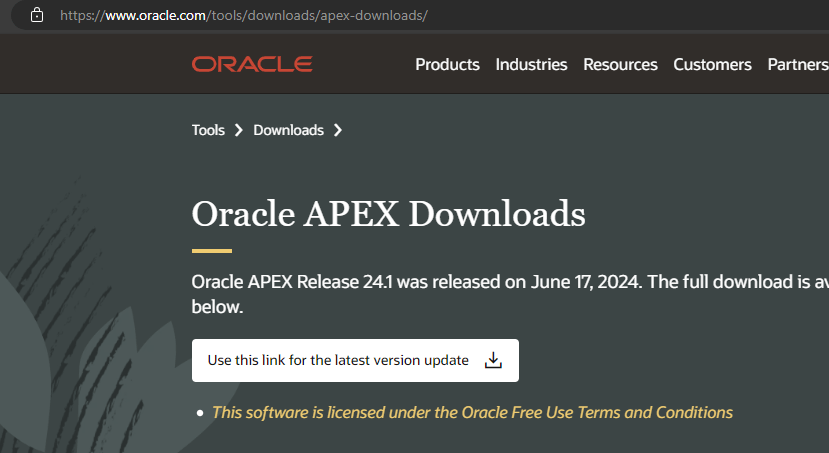
Once the installation package downloaded, extract it to a path without spaces. It is “OKAY” to download the installation guide as well ;)

Now, from an elevated command prompt (not Terminal) window, switch to the path where you have extracted the APEX package. Please check the below image carefully.

- Switch to the path were latest APEX software was extracted
- Connect to Oracle as Sys
- Switch to the container where Oracle APEX is already installed
- Execute the apexins.sql script
The upgrade process could take considerable time to finish based on the number of objects already in the instance. If the upgrade process looks stopped over couple of minutes, tap the Enter key. This should progress the upgrade process. Usually this happens while recompiling objects.

Once the upgrade process is complete, logon to your ADMIN account.

As on date, set 6 is the latest patch available for APEX 24.1 & as mentioned earlier, is available for users with valid support contracts.
If you don’t have Oracle support, let us configure ORDS with latest APEX images now.
Rename/Delete the “images” folder from the ORDS configuration path and copy the “images” folder from the latest installation source.

If Apache-Tomcat web server is used, replace the “i” folder with the “images” folder from the latest source before restarting web services once again.
If you see an error like below (Version numbers will differ based on your previous version and current version), this should be due to browser cache most of the times. Please clear the browser cache and everything should be fine.

Applying latest APEX Patch for 24.1
As on date, Set 6 (36695709) is the latest patch for APEX

Once downloaded, extract the archive to a path without spaces. Switch to the path from an elevated command prompt.

- Set the NLS language parameter
- Connect as SYS
- Switch to the container where you have APEX already installed. Please refer the readme file for specific instructions in case if the APEX is not installed on a PDB
- Execute catpatch.sql
This shouldn’t take much time to complete. Once the patching finishes, merge the images folder with both ORDS and Apache-Tomcat. Restart the web services.
My sincere gratitude goes out to Tim Hall as always for helping me out of difficult situations.